Project Setting
When you run Project > Project Setting (⇧⌘P) menu, Project Setting will be shown. You can modify settings from Default , Meta , Build , Django Tab menu.
Default
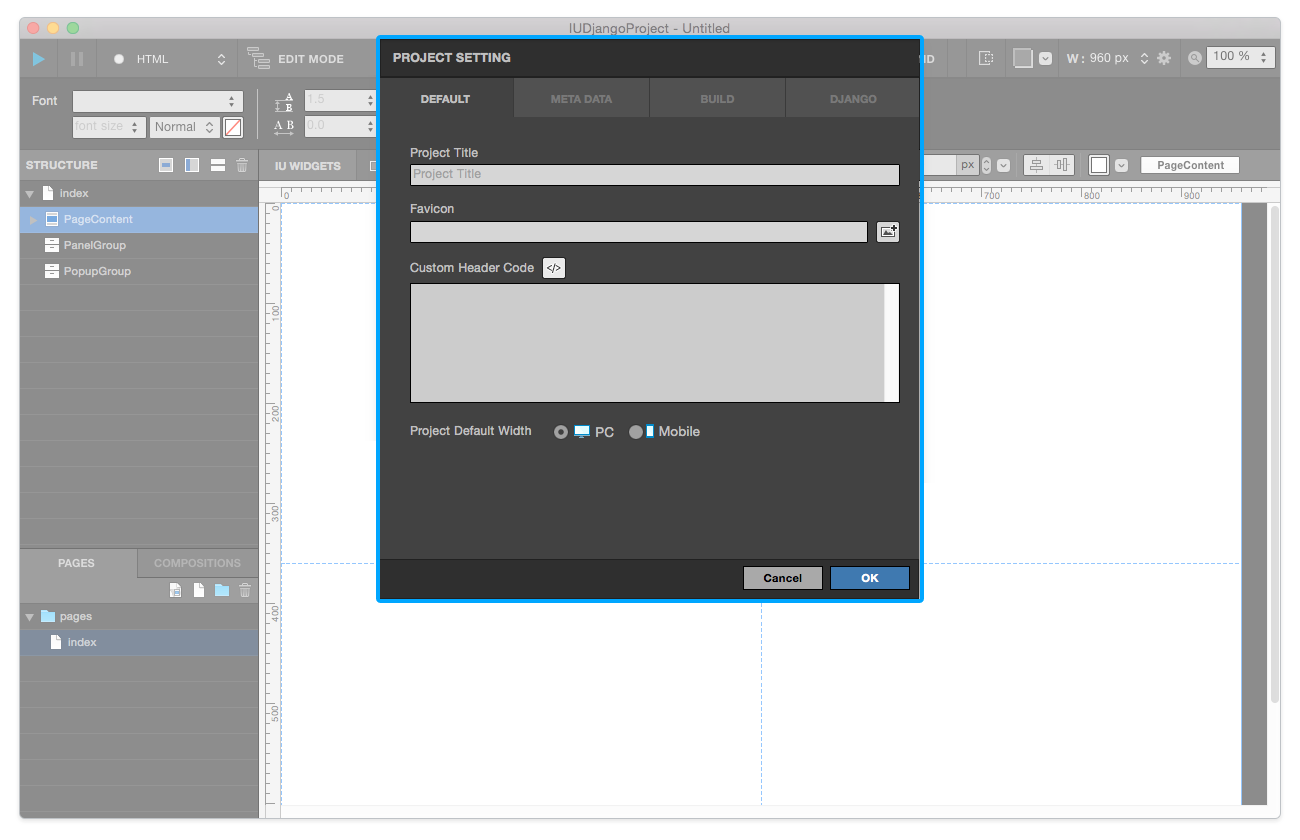
Project Title: Adds the title of the project.Favicon: Adds favicon image (Favicon image resource is required).Custom Header Code: Adds custom code which will be applied to each page of the current project.
Note
After creation of a new project, Project Default Width cannot be changed.
Meta
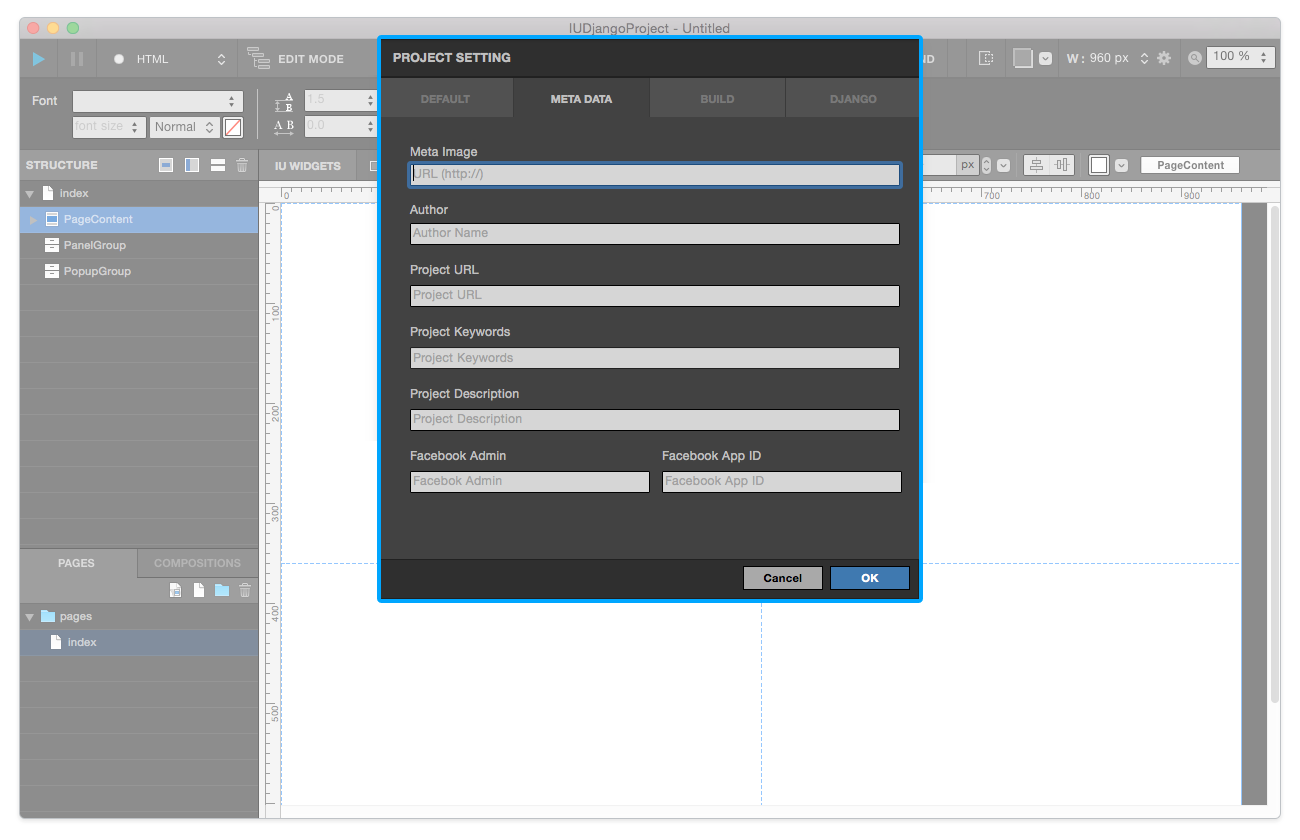
Meta Image: Adds Meta Image for meta-data. (URL)Author: Adds Author name for meta-data.Project URL: Adds Project URL for meta-data.Project Keywords: Adds Project Keywords for meta-data. (Multiple keywords are available)Project Description: Adds Project Description for meta-data.Facebook Admin: Adds Facebook Admin ID for meta-data.Facebook App ID: Adds Facebook App ID for meta-data.
Build
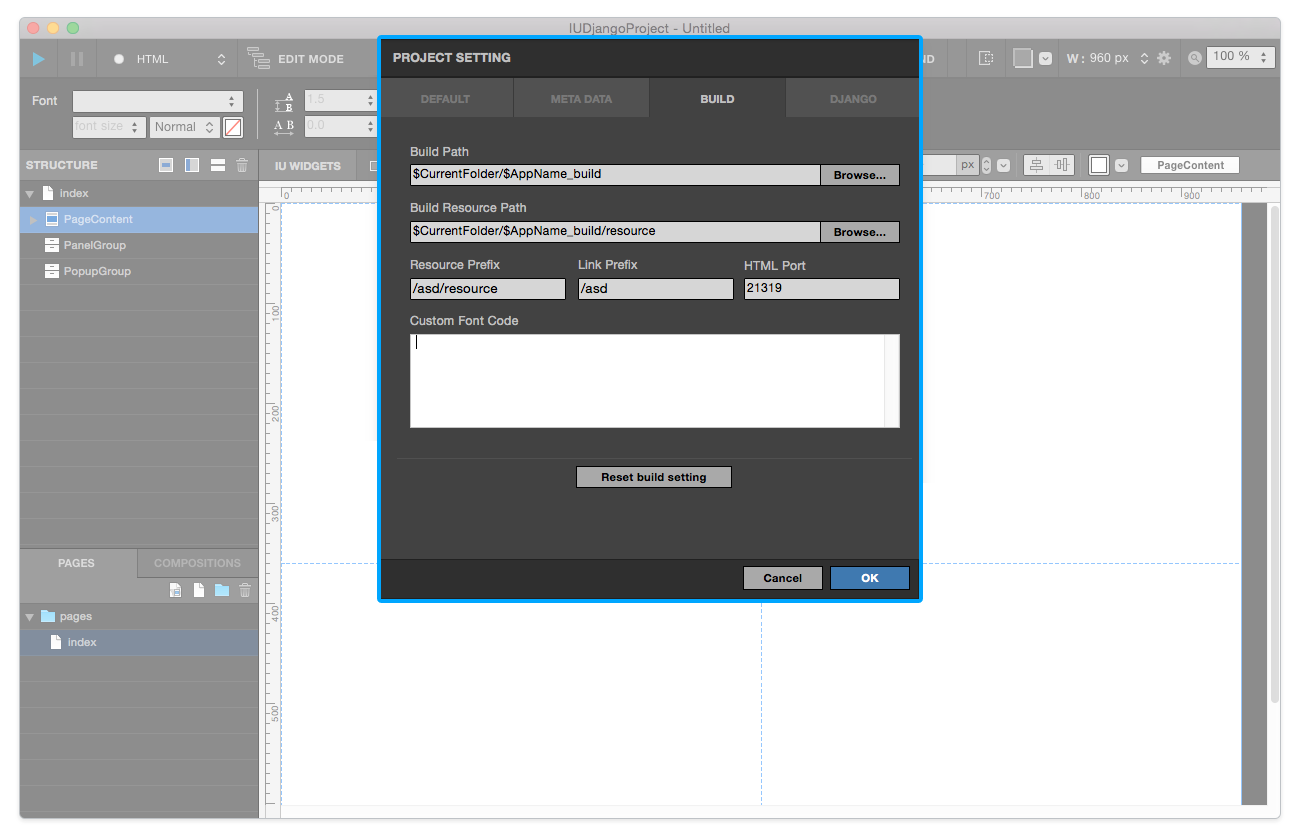
Build Path: Set Build path for built files.Build Resource Path: Set Build Resource Path for built resource files.Resource Prefix: Set Resource Prefix.Link Prefix: Set Link Prefix.HTML Port: Set HTML Port for build.
Note
If your project’s domain isn’t the same as the root path, you have to modify Resource & Link Prefix.
Django
Note
Django tab is available on Django Project .
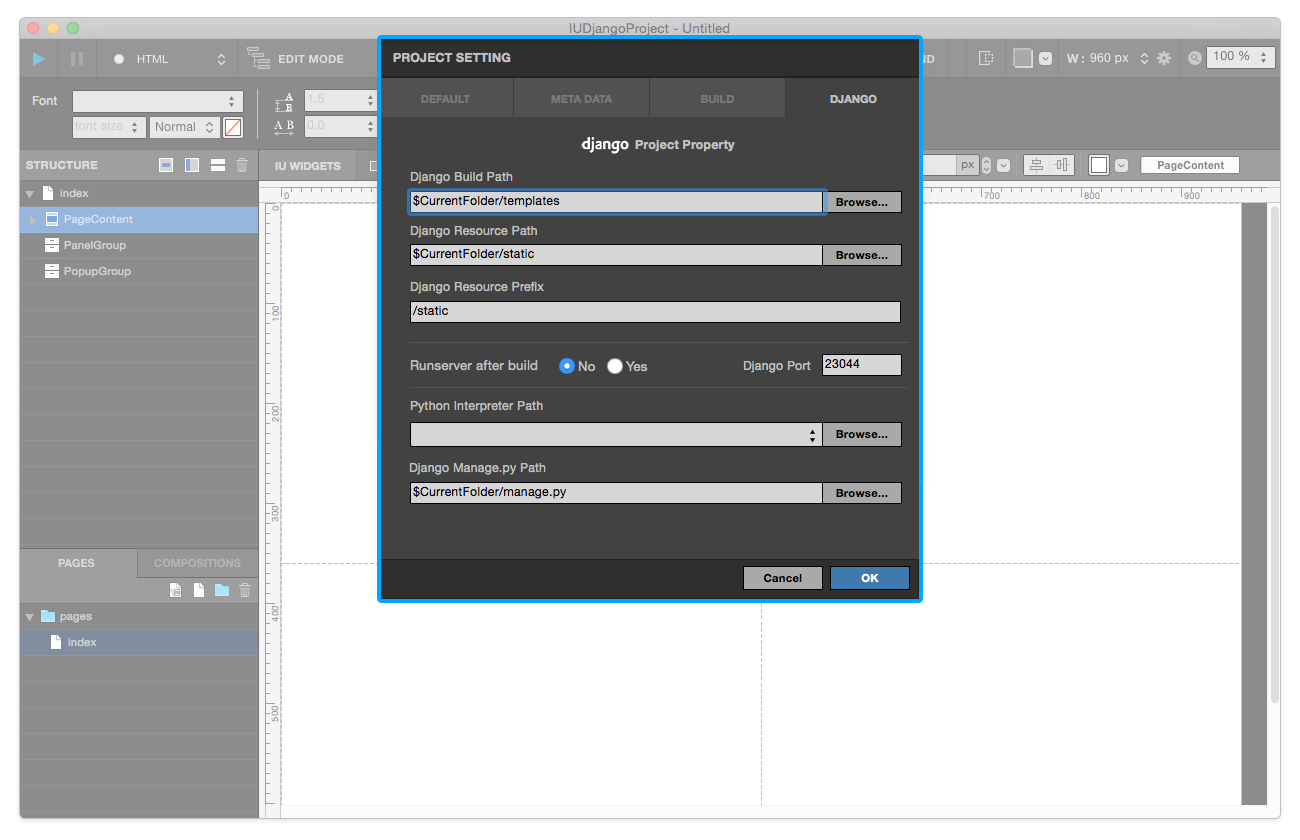
Django Build Path: Set Django Build path for Django build files.Django Resource Path: Set Django Resource Path for Django resource files.Django Resource Prefix: Set Django Resource Prefix.Runserver after build: Set Runserver option.Django Port: Set Django Port for Django build.Python Interpreter Path: Set Python Interpreter Path for Django build.Django Manage.py Path: Set Manage.py path for Django build.