Top Toolbar
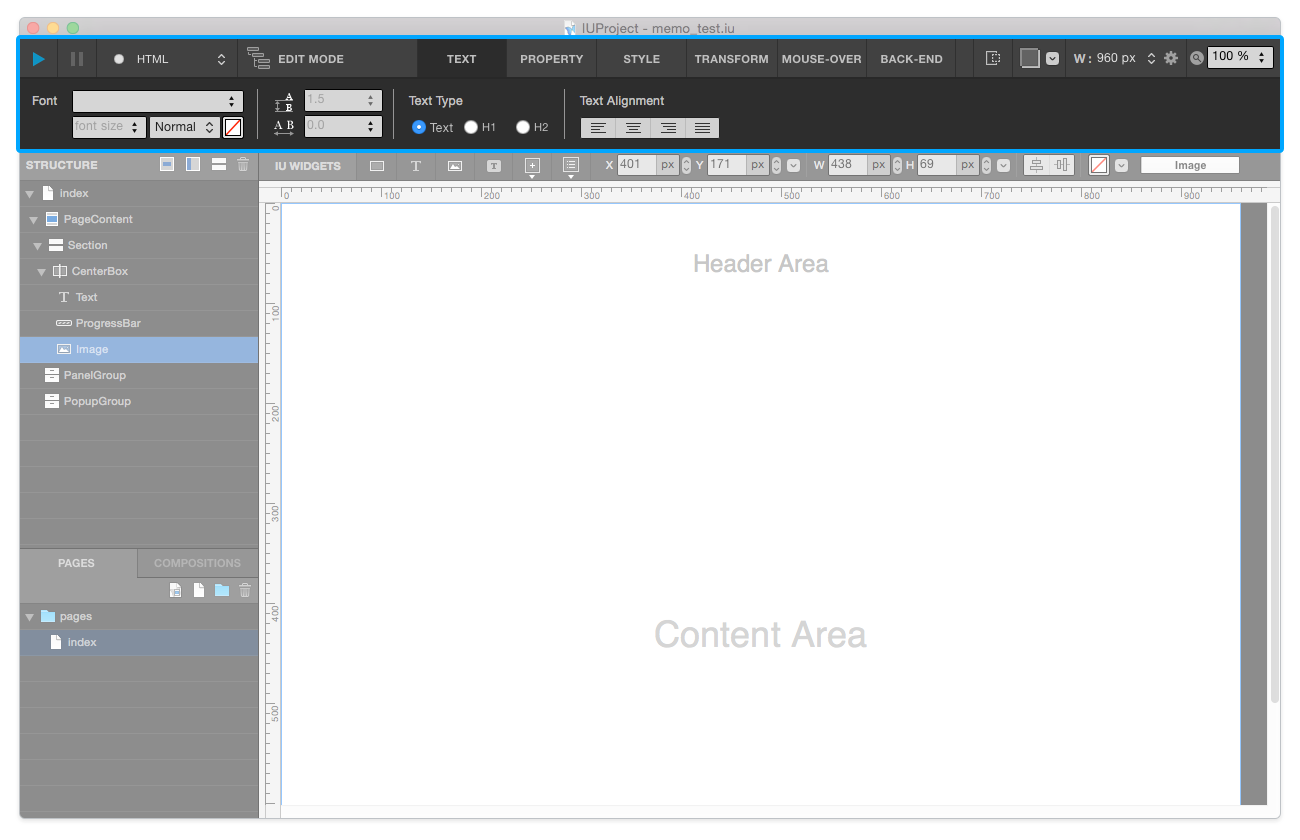
Top Toolbar contains Command / Tab Menu / Stage area.

Command
Command Area consists of project-level features.
Build Button: Generates HTML & CSS & JS files based on IU Project.Server Stop Button: Stops the local host server.Select Build-Type Button: Select Build-Type to Build. (HTML or Django)Scenario / Edit Mode Toggle Button: Switches Edit Mode to Scenario Mode and vice versa.
Tab Menu
Tab Menu area consists of 6 tabs - Style/ Property/ Text/ Transform/ Mouse-Over/ and Link.
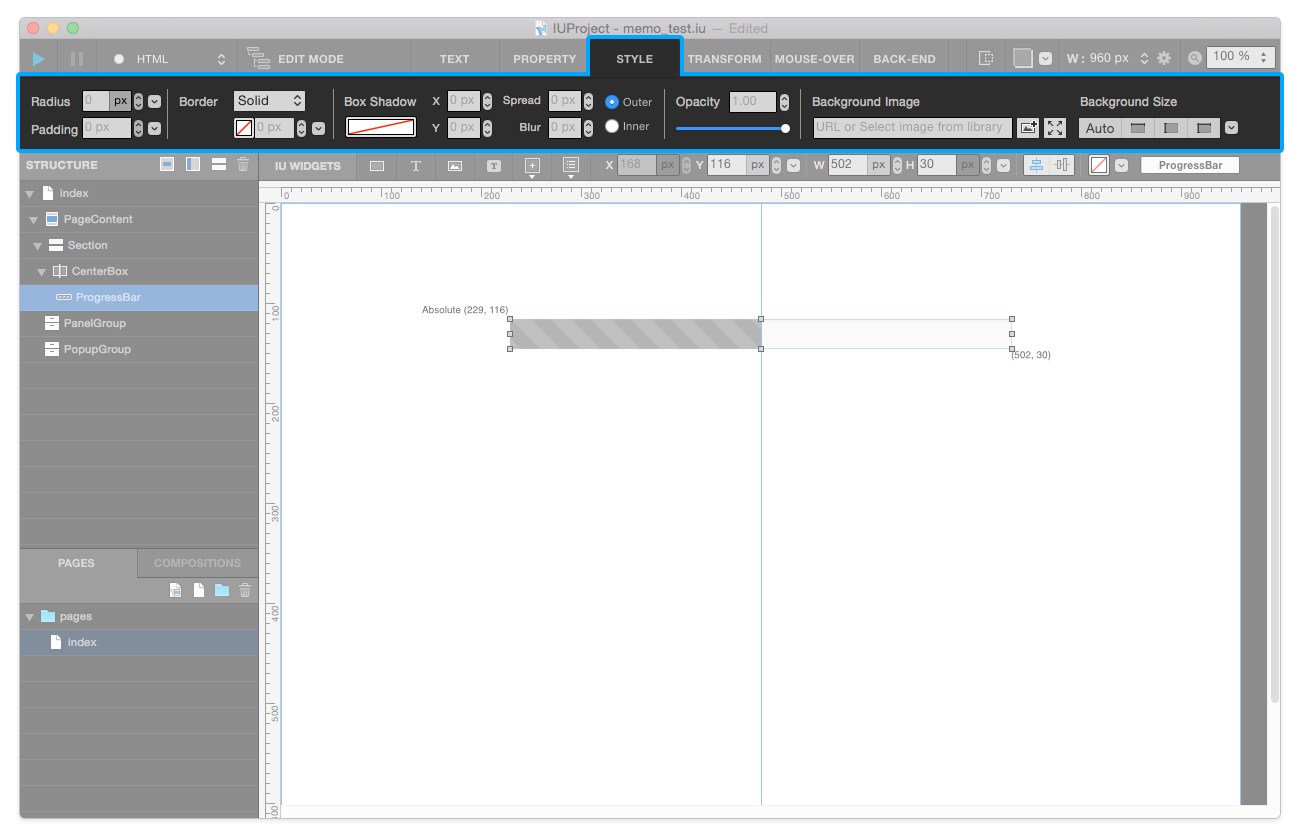
Style Tab: In Style Tab, you can modify Radius / Border / Background-Image / Box-Shadow / Opacity.
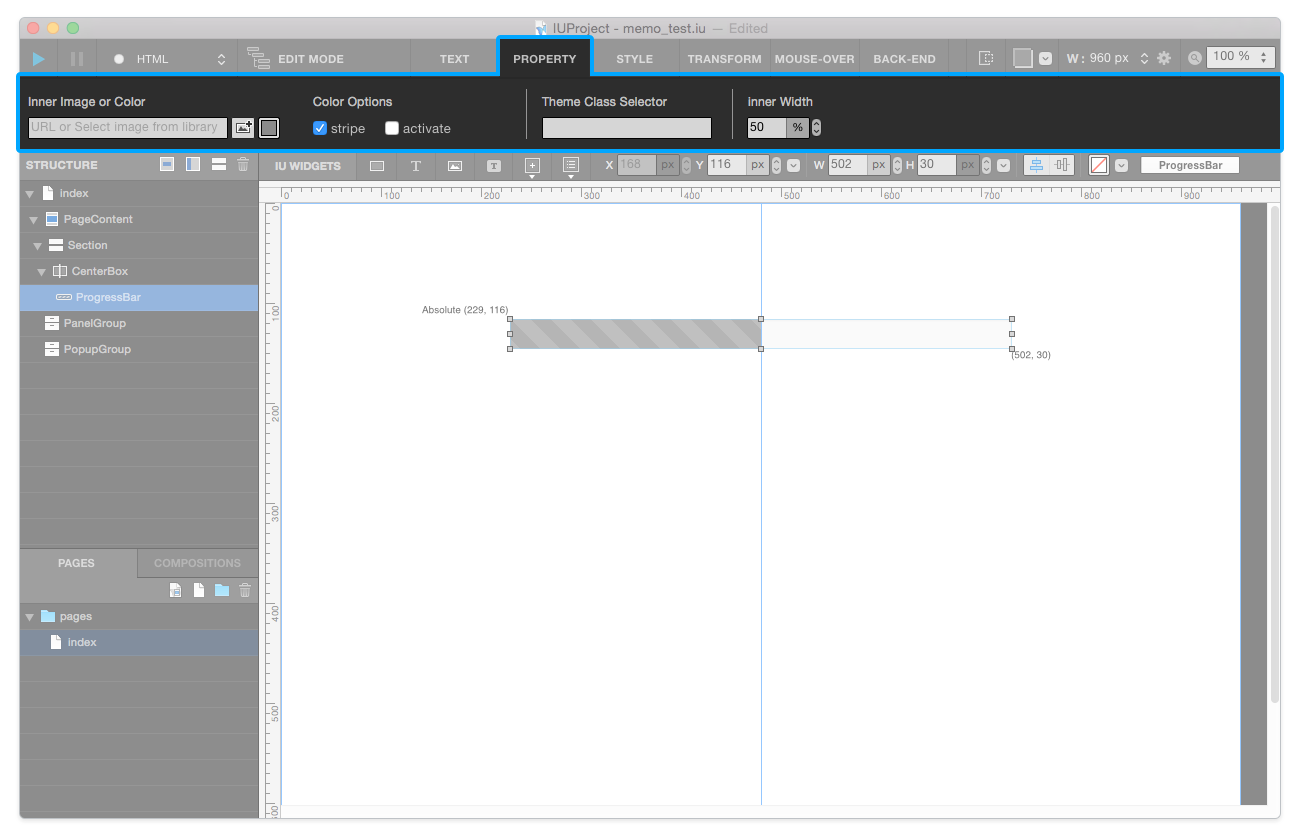
Property Tab: In Property Tab, you can set & change properties of each widget. Each widget has individual property options.
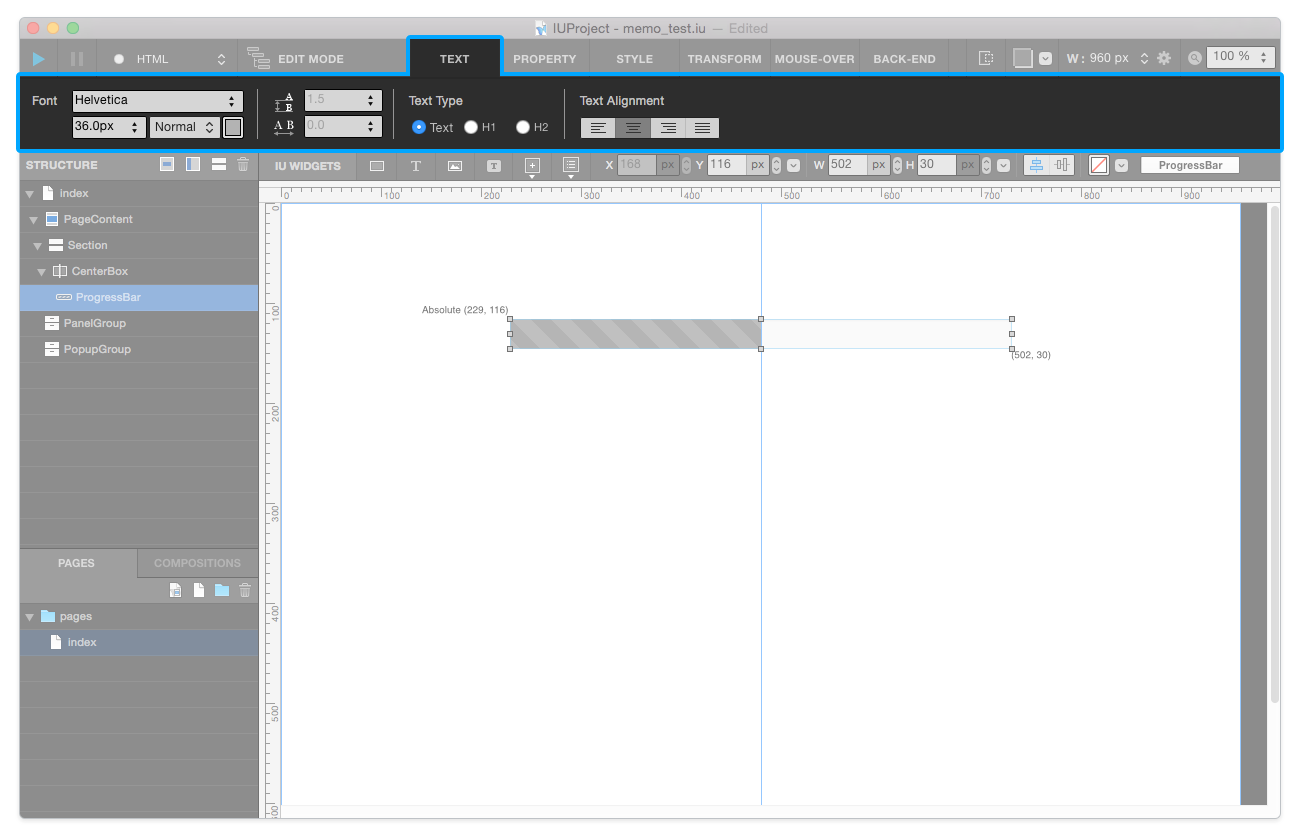
Text Tab: In Text Tab, you can modify Font-family / Font-size / Font-weight (thinkness) / Font-color / Line-height / Heading / Font-alignment.
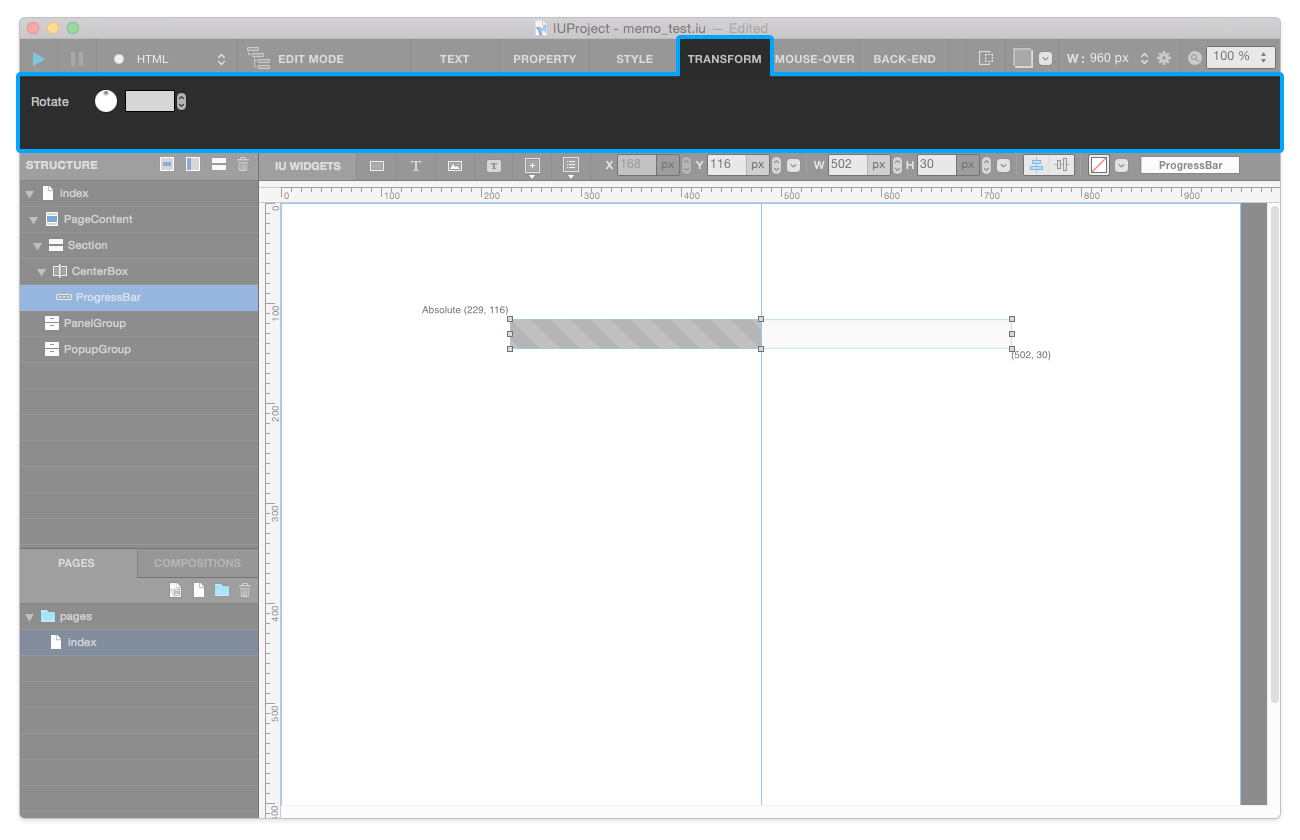
Transform Tab: In Transform Tab, you can modify Rotation property.
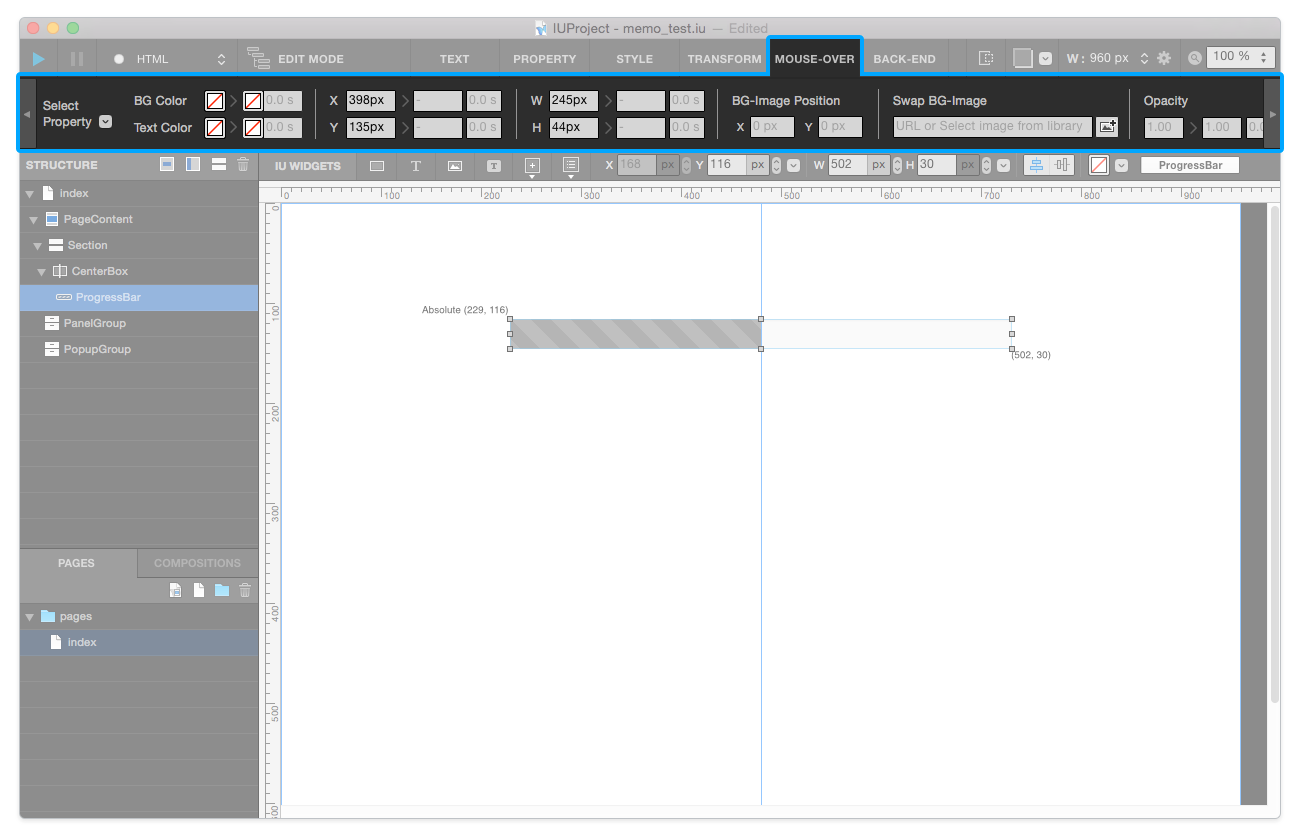
Mouse-Over Tab: In Mouse-Over Tab, you can add Mouse-Over actions to each widget. (e.g. BG-color, Text-color, X-position, Y-position, width, height, BG-image position, …)
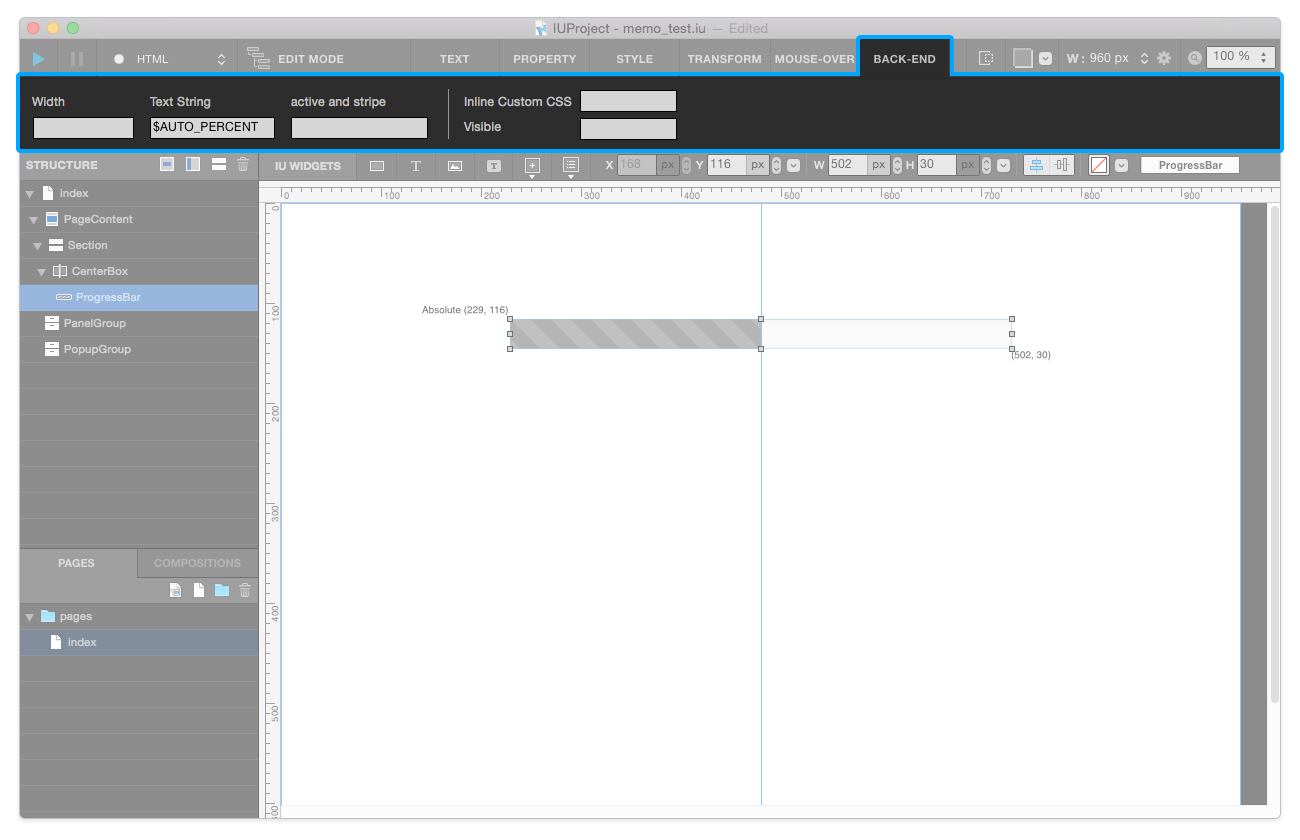
Link Tab: In Link Tab, you can add Hyperlink to a certain widget.

Stage
Fixed Widget Show / Hide Button: Switches show to hide Fixed Widgets.Tracing: Adds virtual background image into your canvas, so that you can create design quickly.Page Setting: Modifies current page’s Page Width and Media Query.Zoom: Applies Zoom-In / Out to IUEditor’s canvas.